

Install & permissions
Assign the permission set
Section titled “Assign the permission set”Go to Setup → Users → Permission Sets and open NumberForge Product Admin (NF_ProductAdmin).
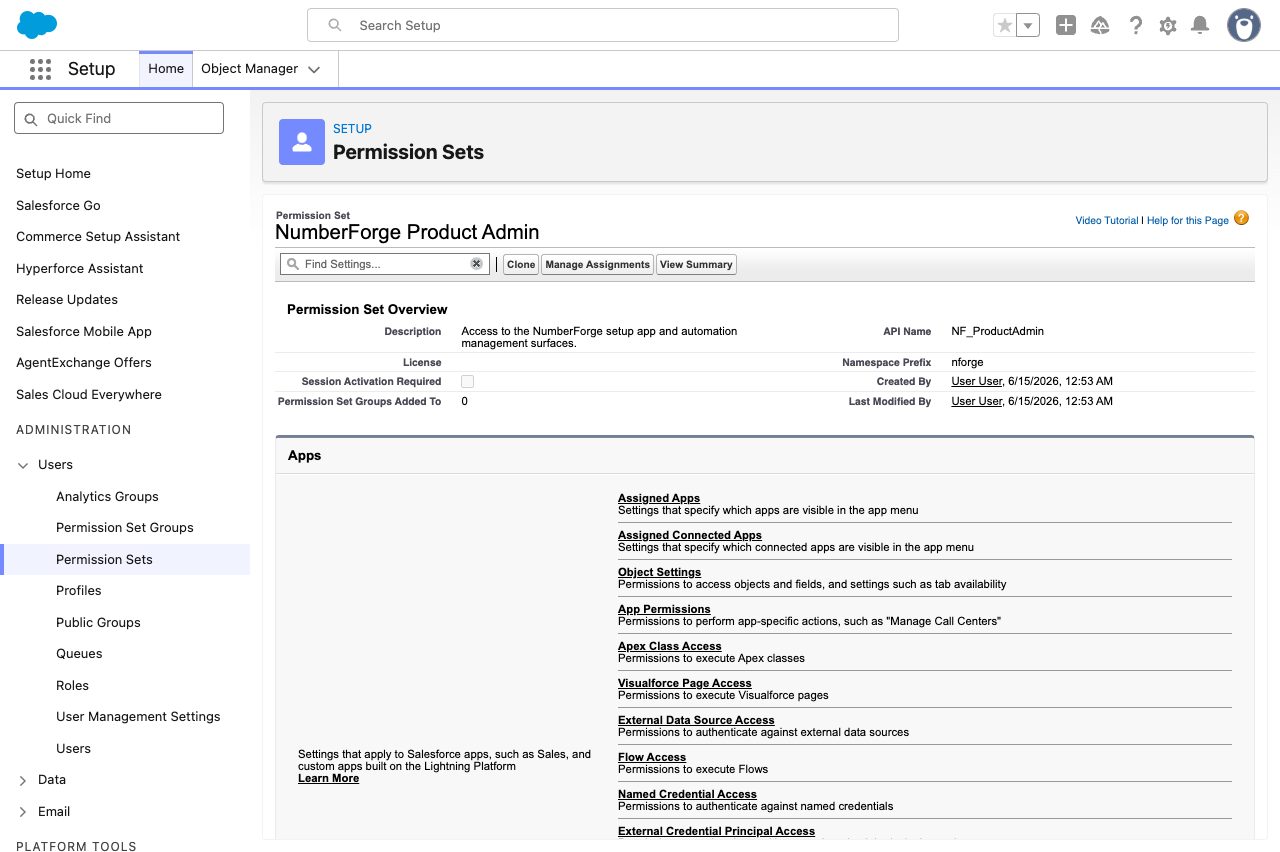
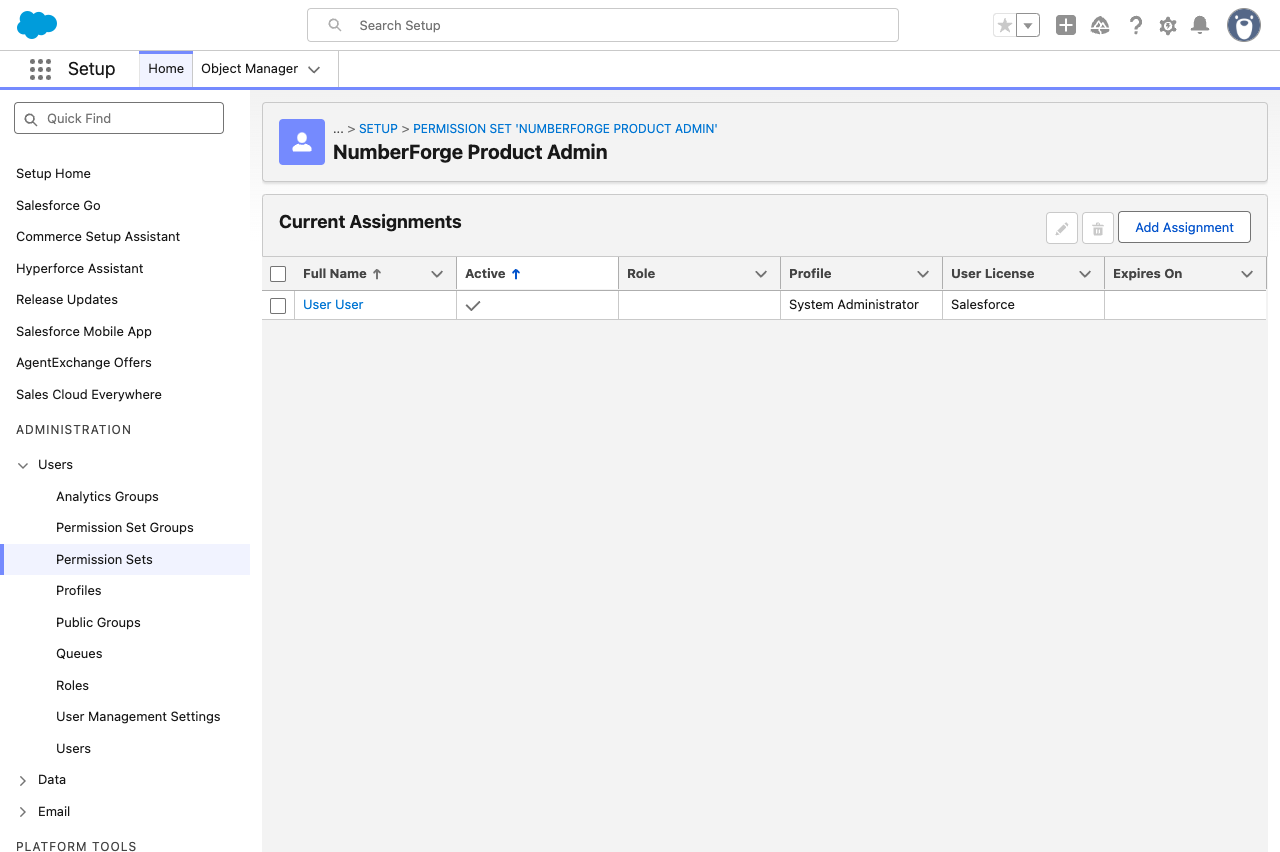
Click Manage Assignments and assign the permission set to that admin (typically a System Administrator).
NumberForge includes open source components, including a port of Google libphonenumber (Apache License 2.0). See Third-party notices.
Next step
Section titled “Next step”Metadata auth (one-time) - enable Client Credentials on the packaged External Client App and validate in NumberForge Configuration. NumberForge cannot create generated fields or deploy automation until this is done.